Best MCP Servers for Social Media: Seven That Exist
Part of The 9 Best Social Media Automation Tools, Prices Checked
Seven social media MCP servers are built by the vendor whose product they control. Most of the others on the lists you will find are community wrappers published under an individual's namespace rather than vendor products.
What an MCP server gives you that an API does not
A REST API is a contract you have to read. An MCP server, built on the Model Context Protocol, is one your assistant reads for you. Point Claude, ChatGPT or Cursor at the server URL and it asks what the server can do, gets back a list of named functions, and starts calling them.
Those named functions are tool calls, and they are the whole capability question. A server with no reply function cannot touch your comments however you prompt it. You are comparing lists of verbs, not feature grids, so this page prints the verbs.
The second thing is a credential boundary. Every server here is run by the company whose product it controls, and that company already holds the platform OAuth tokens for your accounts, so the assistant holds one key, issued by the scheduler. Your Instagram and LinkedIn credentials never enter the conversation, and revoking the lot is one key rotation in one dashboard. Wire an agent straight to the platform APIs instead and you are registering developer apps on nine networks yourself.
That boundary is the reason to prefer a server the vendor wrote. For how these tools compare on price and team features rather than tool calls, start from our tool comparison.
First-party, community wrapper, or neither
Three things get called a social media MCP server. Only one is a product.
A first-party server is built and hosted by the vendor. It moves when the product moves, the vendor holds your platform OAuth, and somebody is on the hook when a tool errors. A community wrapper is a developer’s package sitting on the vendor’s public API. It can be good code. It can also stop working the day the API changes, and whoever would fix it owes you nothing. The third is a directory entry with nothing behind it.
Here is the method, because it changed the page. Every entry was checked against the vendor’s own documentation on 22 October 2026. Four names listed on MCP directories as if they were products turned out to be community packages under individual namespaces, and one tool count taken from a competitor’s page was wrong, because the vendor publishes a higher number itself. One rule did the most work: navigate from the vendor’s own documentation index rather than guessing a URL, because one server here documents itself two levels deep and a guessed address returned an error.
A directory listing is not evidence that a vendor ships anything: anyone can publish a server under any name. When a vendor’s own docs are silent, the honest sentence is that it documents no MCP server, not that none exists. SchedPilot, at number two, is our own product, and what that buys is on our editorial policy and disclosure page. We do not pad lists to a round number, so seven is where this stops.
None of this replaces knowing what each network’s API accepts. An agent calling create_post with a LinkedIn carousel in mind still meets LinkedIn’s rules about what a carousel is, the subject of the multi-platform guide.
The comparison table
Tool calls exposed is the column that matters, and the rows differ in kind: some print every name, some only capability areas, and one disagrees with itself. Where no total is printed, the count is of the names the vendor enumerates.
| Server | Networks | Tool calls exposed | Auth | Hosted or self-host | Plan needed | Evidence tier |
|---|---|---|---|---|---|---|
| 1. eClincher | 8 named, incl. Google Business Profile | 16 enumerated, no total printed | x-eclincher-api-key header, shared across your plan | Hosted | Standard, $134/mo annually | Vendor doc, 2 pages |
| 2. SchedPilot | 9, read back from the live server | 8, each verified by calling it | Bearer token; SchedPilot holds the OAuth | Hosted | Silver, $21/mo yearly | Verified by direct call |
| 3. Postiz | Not listed as a set | Introduction says 13; Tools Reference documents 16 | Bearer token, key in the URL, or OAuth2 | Hosted, or self-host | Every plan, from $23/mo yearly | Vendor doc, two pages |
| 4. ContentStudio | Not listed | None published; capability areas only | Browser sign-in, or key in the URL | Hosted; older local bundle | Any plan from $19/mo, or a $15/mo API plan | Vendor doc |
| 5. Nuelink | Not listed | 6 enumerated | Key in the URL, or a Bearer header | Hosted | Every plan, from $16/mo yearly | Vendor doc |
| 6. Vista Social | 13 named in its MCP customizations article | 100, per its own help centre | OAuth universal link, or an API-key link | Hosted | Paid plans; its articles disagree below Advanced | Vendor doc, help centre |
| 7. Oktopost | Not listed | Enumerated by group, no total printed | API key locally, OAuth on the web, Basic auth elsewhere | Hosted, or local Node 20 | Not published | Vendor doc |
Two things fall out of it. Price has little to do with surface area: the $16 plan and the $349 plan both get you a first-party server. And three of the seven give you only a static key, Nuelink’s pasted into the server URL, where anything that logs URLs will keep it.
The best MCP servers for social media: seven verified, in order
01 eClincher
- Best for
- Agencies and multi-location brands wanting reports and publishing together.
- Key strengths
- It prints its tool names, which puts it ahead of most of this list. Its MCP page enumerates sixteen tools:
list_brands,create_brand,list_accounts,create_post,list_inbox,get_builtin_report,get_comparison_report,list_custom_reports,get_custom_report,list_competitor_reports,get_competitor_report,get_cross_channel_report,get_scheduled_posts,edit_scheduled_post,get_post_statusandget_analytics_job_status. Seven are reporting calls, so an agent can pull a competitor or cross-channel report without opening the app. Its network list runs Facebook, Instagram, X, LinkedIn, TikTok, Pinterest, YouTube and Google Business Profile, one of only two here documenting Google Business publishing over MCP, which matters when your accounts include storefronts as well as Facebook Pages and Groups. - Biggest downside
- The most expensive self-serve entry, and the key is shared: its own page says “All users on your plan share the same API key”, so there is no per-agent credential to revoke. Its pricing page ticks API access for Enterprise only in one row and all three tiers in another.
- Pricing
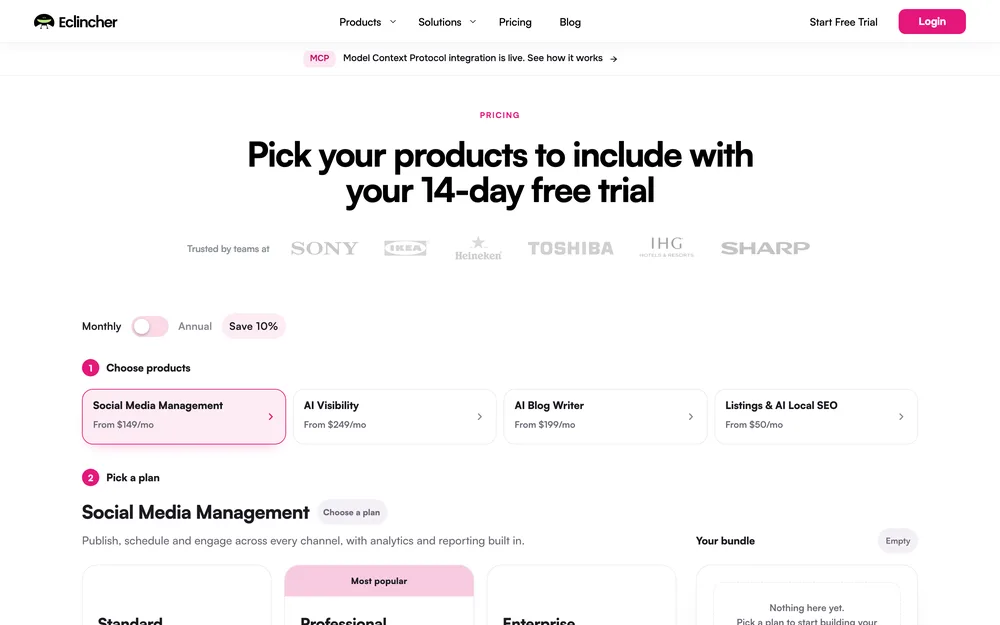
- Standard $149/mo monthly, $134 annually, 1 user and 15 profiles. Professional $349 or $314, 5 users and 25 profiles. Enterprise custom. No free plan; 14-day trial. pricing checked October 2026
- Verdict
- The pick when reports are the job and Google Business Profile is on it. Overpriced for publishing alone.
02 SchedPilot
- Best for
- Publishing that already happens inside an assistant or script, on a budget.
- Key strengths
- The only entry I did not have to read about: the server was connected to the session this page was written in, so the surface below comes from calling it. It exposes eight tools:
get_accounts,list_posts,create_post,upload_media,list_media,delete_post,get_analyticsandcreate_linkedin_carousel. That last is unique in this set: upload each slide image, then make one call. Callingget_accountsreturned live account types across Facebook, Threads, Instagram, Bluesky, X, Pinterest, LinkedIn, YouTube and TikTok, with LinkedIn profiles and company pages as separate types, the distinction that decides whether you are doing LinkedIn automation that is allowed. - Biggest downside
- No free plan: a 7-day trial on every tier, and it asks for a card up front, charged $0 at the start. The surface is also narrow. No inbox, reply or comment tool, so an agent cannot moderate anything. No approval-workflow tool, so the gate lives in the product rather than the surface your agent sees. And no update call, only
create_postanddelete_post. - Pricing
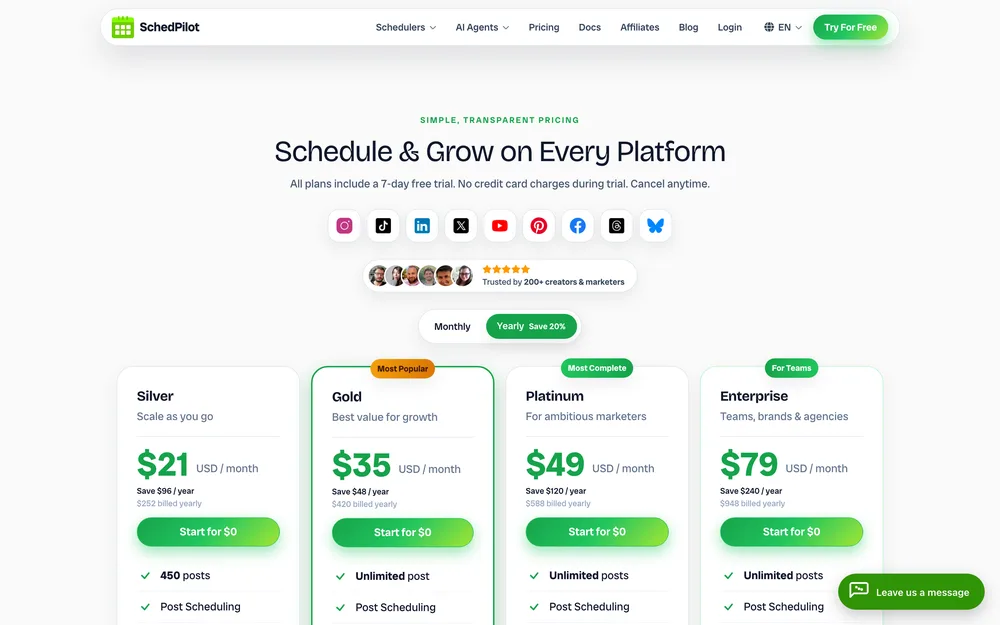
- Silver $21/mo billed yearly, $29 monthly, 5 accounts, 450 posts a month. Gold $35, 20 accounts. Platinum $49, 40 accounts. Enterprise $79, 100 accounts and 10 seats. API and MCP included from $21. pricing checked October 2026
- Verdict
- Publishing from an agent on a budget, especially LinkedIn carousels. Not if the agent must read the inbox.
03 Postiz
- Best for
- Turning long video into short vertical posts, and anyone wanting to self-host.
- Key strengths
- The only server here documenting clipping. Its
clippingToolis described as “Turn a long YouTube video into captioned vertical clips and draft posts”, andclippingStatusToolcollects the finished clips. Nothing else here does that, and it sits alongsidegenerateImageTooland a three-call video-generation flow. Publishing runs throughschedulePostTool, whose type takes draft, schedule or now, so the gate is a parameter. The endpoint ismcp.postiz.com/mcpwith your key as a Bearer token or in the URL, and OAuth2 tokens prefixedpos_work the same. Postiz is open source, and its site calls self-hosting a secondary option. - Biggest downside
- Its own pages disagree on size: the introduction says the server “provides 13 tools”, while its Tools Reference documents sixteen, the extra three being media tools, plus two widget tools, one of which agents are told not to call. Clipping is also missing from the connector most people will install: the docs say the build in Claude’s connector directory leaves the clipping tools out, so clipping from Claude needs a custom connector. Post content must be HTML from a short tag list.
- Pricing
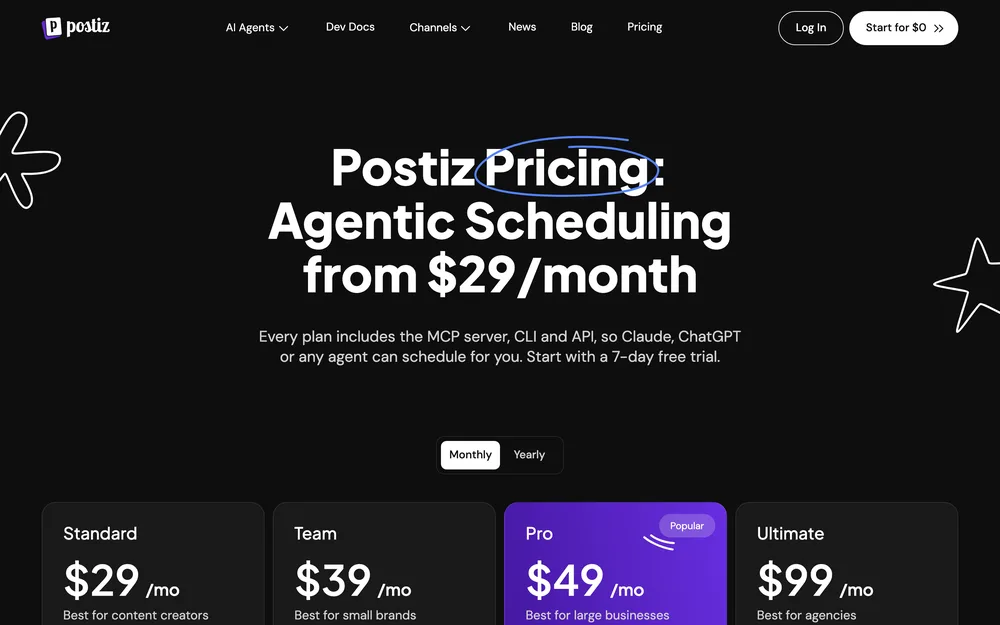
- Standard $29/mo monthly, $23 annually, 5 channels. Team $39 or $31, 10. Pro $49 or $39, 30. Ultimate $99 or $79, 100. A 7-day trial on every plan; no free plan. Self-hosting is open source, with no price stated. pricing checked October 2026
- Verdict
- Clipping long video into shorts from an agent. Read the tool list in your client before trusting either count.
04 ContentStudio
- Best for
- Getting connected in two minutes, and teams wanting the approval step visible to the agent.
- Key strengths
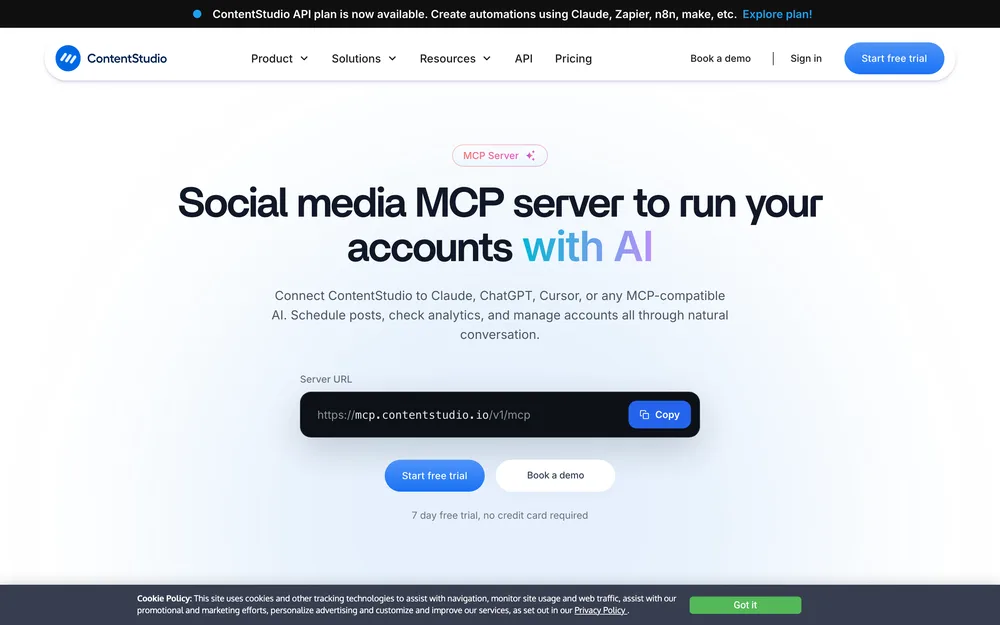
- Setup is the easiest here: add a remote server URL as a custom connector and sign in through your browser. Nothing to download. A prebuilt bundle for local installs still exists and the page now treats it as the older route. The capability areas it lists are broad for the money: creating posts as drafts, queued or scheduled; editing and deleting unpublished posts; generating images and video; reading analytics; reading and replying to inbox messages and comments; checking and approving approval workflows; and fetching workspaces and campaigns. Draft creation plus an approval check in one surface is the cleanest expression of the workflow patterns that keep an agent useful without letting it publish unseen.
- Biggest downside
- It publishes no tool names, only capability areas, so you cannot audit the surface before connecting. API requests are metered per plan: 1,500 on Standard, 3,000 on Advanced, 7,500 on Agency Unlimited. And the fallback for clients that cannot do a browser sign-in is appending your key to the server URL.
- Pricing
- Standard $19/mo annually or $29 monthly, 5 accounts. Advanced $49 or $69, 10 accounts. Agency Unlimited $99 or $139. A dedicated API plan is $15/mo. 7-day trial, no card. pricing checked October 2026
- Verdict
- The one to hand a non-technical teammate. Not if you need the tool list in writing first.
05 Nuelink
- Best for
- The cheapest first-party entry point, and creators posting mostly new content.
- Key strengths
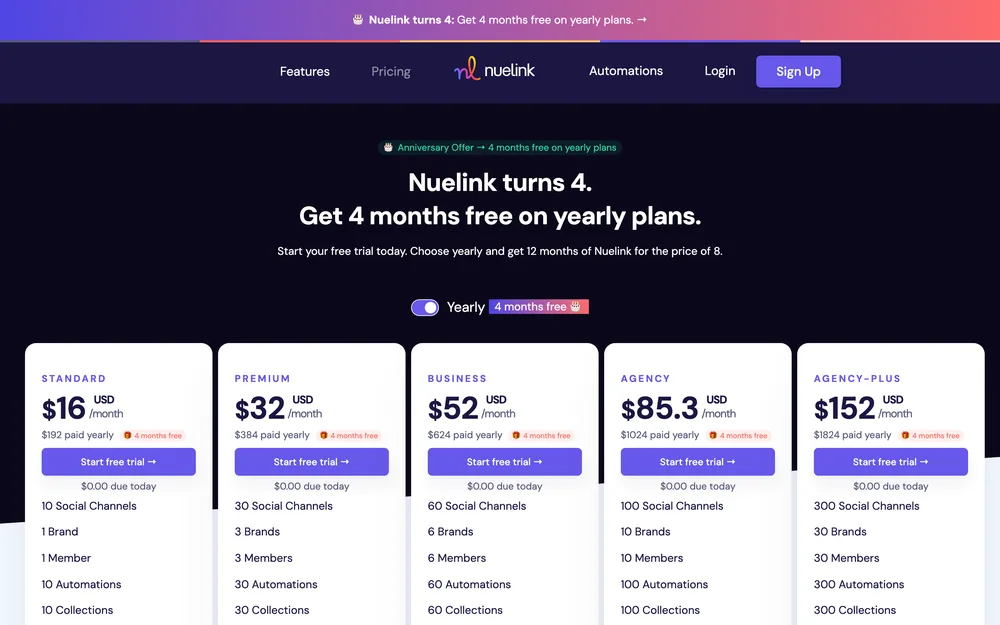
- MCP is on every plan rather than gated to a top tier, and the entry plan is $16 a month at the yearly rate with ten channels, the lowest-cost honest way in. Its MCP help article names six tools,
nuelink_get_me,nuelink_list_brands,nuelink_list_collections,nuelink_list_channels,nuelink_upload_fileandNuelink_create_post, which creates a post as queued, scheduled, draft or published immediately. The upload tool sends images or video to a brand’s media library, which is the first thing to solve when you automate the formats in the Instagram guide. - Biggest downside
- The MCP server “is currently in alpha, so some details may change”, the article says. None of its six tools reads, edits or deletes an existing post, so an agent can fill your queue but cannot fix a typo in it. And the $16 is the yearly rate: the same page charges $24 a month monthly, rising to $228 on Agency-Plus.
- Pricing
- Standard $16/mo at the yearly rate, 10 channels. Premium $32, Business $52, Agency $85.30, Agency-Plus $152 with 300 channels. API and MCP listed on all five. 7-day trial, no free plan. pricing checked October 2026
- Verdict
- Best value if nothing has to change after posting. Wrong if an agent must edit or pull what is queued.
06 Vista Social
- Best for
- An agent doing the whole job: inbox, listening and tasks.
- Key strengths
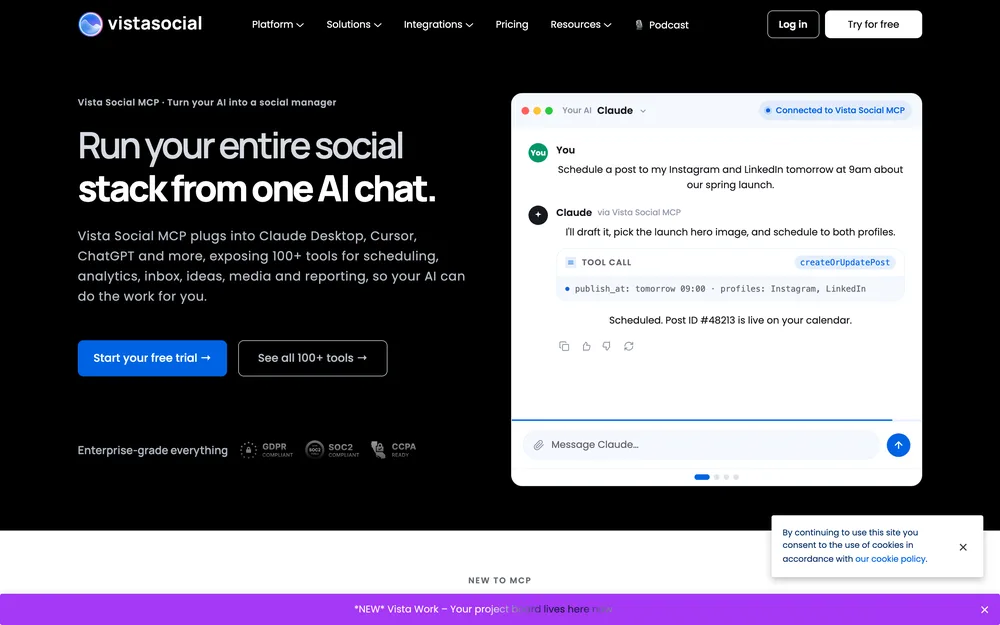
- The widest documented surface here. Vista Social’s help centre states it currently offers 100 MCP tools, grouped from publishing and analytics through inbox and tasks to trends and listening, and says the list stays in sync with the live assistant. The tools are descriptive: approve or reject posts, get optimal publishing times, create a trends listener. Reporting is the deepest part, the case for reading this next to automated reporting. Connection is an OAuth universal link already approved for Claude, ChatGPT, Cursor, Copilot and Perplexity.
- Biggest downside
- Its pricing page starts at $99 a month, X costs $29 a month on top as a separate integration, and connectors need a paid Claude or ChatGPT account too, so the real number is a stack. Its help centre then contradicts itself on the two things you would want settled. On rate limits, four of its articles give four answers: no limits on MCP, 60 a minute, 120 a minute, and a Rate limits article putting MCP at 180 a minute with “two limits stacked together”, the second being a per-tool burst cap. That article’s own advice is to “trust the headers, not the docs”. On plan access, one article says all paid plans while another says MCP is “available for the Advanced plan and up”, and both carry a badge listing Professional.
- Pricing
- Professional $99/mo, $950 a year, 15 profiles. Advanced $199, 30 profiles. Scale $449, 70 profiles. Enterprise custom. X integration $29/mo extra. No free plan; 14-day trial. pricing checked October 2026
- Verdict
- Right if an agent runs the whole account. Hard to justify for publishing alone.
07 Oktopost
- Best for
- B2B teams where a post clears a named approver and campaigns are the unit.
- Key strengths
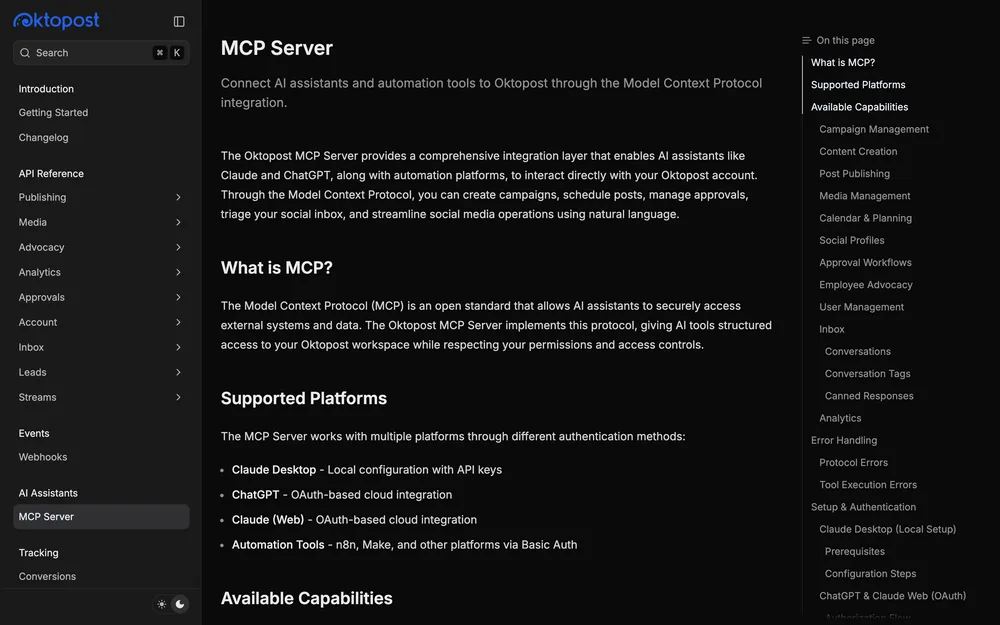
- The only entry built around governance rather than publishing. Oktopost announced the server on its own blog in November 2025, and its developer docs enumerate tools by group: campaigns, content, publishing, media, calendar, social profiles, approval workflows, employee advocacy, users, inbox, tags, canned responses and analytics. Eight named tools are approval machinery, including
send_to_workflow,process_workflow_item,list_workflow_itemsandadd_workflow_item_note, so routing a draft to a reviewer and recording what they said happens in tools, not afterwards in a browser. That is the closest thing here to real approval workflow design, and access follows the Oktopost role of whoever authorised the connection. - Biggest downside
- No published price and no self-serve signup, so evaluating it starts with a sales call and the figure you pay is not one you can check against anyone else’s. Third-party numbers circulate, none from Oktopost, so this page prints none. The local route also wants Node 20 or later plus your account region.
- Pricing
- Not published. Oktopost quotes on request and its pages state no MCP-specific cost. pricing checked October 2026
- Verdict
- Right when approvals are compliance, not preference. Everyone else should start cheaper.
The ones that are community wrappers
Four products show up on MCP directory listings in a way that reads like a vendor release and is not. The giveaway is the namespace: a package under an individual’s or a small team’s account, not the company’s.
| Named as | What the listing actually is |
|---|---|
| Simplified | A community package under a third-party namespace |
| RecurPost | A community package under an individual namespace |
| Sociona | A community package under a small-team namespace |
| Postfast | An AI marketplace listing, unconfirmed as a vendor product |
In practice that means three things, none of them “do not use it”. No vendor support: if it breaks, your ticket gets a reply saying this is not their integration. No guarantee of updates, because a wrapper tracks a public API that changes without asking. And your API key runs inside somebody else’s code, so read it, pin the version, and give it a key you can revoke alone.
A wrapper is reasonable for a tool you already pay for when the vendor ships nothing, but it is not the same purchase. If it is your only route into a scheduler your agency depends on, that favours one of the schedulers built for client work that runs its own.
The aggregator route
If your scheduler runs no server, somebody else will sell you one. Two aggregators cover the gap by exposing their existing connector library over MCP.
Zapier MCP is included in every Zapier plan, keeps the app credentials in its own connection layer rather than handing them to the model, and gives admins per-action controls and a history of what the agent did. Its own pages disagree on scale: 9,000-plus apps and 66,000-plus triggers and actions on the product page, 30,000-plus actions on its developer FAQ. Each tool call spends two tasks from your quota.
viaSocket’s equivalent now runs as Mushrooms: 1,999-plus apps with social media among its categories, a server URL per cluster, OAuth per app, free for lifetime under a fair usage policy.
The trade either way: breadth now, for tools that will never ship a server, against a third party in the chain, a second key, and a translation layer where a post can arrive malformed. For one scheduler you use daily, a first-party server is fewer moving parts. For six you touch monthly, an aggregator wins.
The approval gate problem
Give an agent a create-post tool and no gate and it will eventually publish something wrong. Not often. Once. The public version of once is a screenshot.
Three patterns work, and a server’s tool list tells you which it supports.
- Draft-only tools. The agent creates into a draft state and promoting it is a human action. ContentStudio creates posts as drafts, queued or scheduled; Postiz makes it a parameter, draft, schedule or now, and its clipping tool only ever drafts.
- Scheduled, not published. The agent queues for a future time and you have until then to look. Every server here does this, and it is the weakest: nobody reads a queue they trust.
- An explicit review step. Approval is itself a tool, so routing and sign-off are visible and logged. Oktopost’s eight workflow tools are the clearest example; Vista Social has an approve-or-reject tool and one listing the workflows.
One of these is gated by omission and one is contested. Nuelink publishes six tools and none of them touches an existing post, so nothing an agent created there can be quietly altered. eClincher names a single inbox tool, list_inbox, which reads read-only, while the same page describes reading and managing DMs, comments and mentions and bills itself as the only social inbox API on the market. Whether an agent can reply through it is not settled by the documentation, so check it in your own client rather than counting on it as a gate.
The gate that matters survives a product update, meaning a reviewer who can reject and edit rather than acknowledge. Designing that step, rather than inheriting it, is the subject of agents compared on what they decide.
Setting one up, and which one to pick
The install takes twenty minutes, and the order is what stops a test post reaching an audience.
- Get a key, or a connection link. Three of the seven offer only a static key; the rest let you sign in, which is safer where you have the choice.
- Add the server to your client’s config: a remote URL where the vendor offers one, or a local command your client speaks to over stdio. Restart, and confirm the tools appear by name. Count them.
- List your accounts first. It is the cheapest read call on these servers and proves auth, scope and which profiles the key reaches before anything is written.
- Create one draft. Read it in the vendor’s own calendar, not the chat transcript, and check the network-specific fields survived.
- Only then allow scheduling, with a posting ceiling you would be comfortable explaining.
Choosing comes down to one question: what should the agent do beyond posting? Nothing, on a budget, means Nuelink at $16 or SchedPilot at $21, and SchedPilot if LinkedIn carousels or reading the queue back matter. Reports mean eClincher, clipping long video into shorts means Postiz, and the whole account including inbox and listening means Vista Social. A named approver in a regulated company means Oktopost. If setup time decides it, ContentStudio wins.
Whichever you choose, run the first week with the gate closed. The guide to connecting an assistant safely covers key scoping and the kill switch, and the wider case sits on our guide to automate social media.
Questions people actually ask
What is an MCP server for social media?
It is a service your AI assistant connects to that advertises a list of named functions for working with your social accounts, such as create_post or get_analytics. The assistant discovers those functions itself, so you write no integration code. The vendor running the server already holds your platform OAuth tokens, which is why your assistant only ever carries the vendor's key.
Can Claude post to social media directly?
No. Claude has no built-in connection to Instagram, LinkedIn or X, so it needs a server in between. Connect a social MCP server and Claude can call that vendor's publishing tools, which is as direct as it gets. Seven vendors run one themselves: eClincher, SchedPilot, Postiz, ContentStudio, Nuelink, Vista Social and Oktopost.
Which MCP server covers the most networks?
Vista Social names the most on an MCP page: thirteen networks plus its own link-in-bio pages, in the article covering post customizations available per network through MCP. eClincher's MCP page names eight, including Google Business Profile. SchedPilot's live server returned ten account types across nine networks when called, LinkedIn profiles and company pages counting separately. ContentStudio, Nuelink, Postiz and Oktopost publish no network list on their MCP pages.
Does Postiz have an MCP server?
Yes. Postiz documents one at mcp.postiz.com/mcp, authenticated with an API key as a Bearer token or in the URL, or with an OAuth2 token. Its introduction says the server provides 13 tools while its Tools Reference documents sixteen, so its own pages disagree on the count. It is the only server here documenting clipping, turning a long YouTube video into captioned vertical clips. Checked 22 October 2026.
Is a community-built MCP server safe to use?
It can be, with precautions. The risks are specific rather than vague: no vendor support when it breaks, no obligation on anyone to update it when the API changes, and your API key running inside code you did not write. If you use one, read the source, pin the version, and issue it a key you can revoke without breaking anything else.
Does an MCP server see my platform passwords?
No, and that is the main security argument for using one. The vendor holds the OAuth tokens for your connected accounts, granted when you linked them in its dashboard. Your assistant holds only the vendor's own API key or an OAuth session with the vendor. Your network passwords never enter the conversation and the model never sees them.
How do I stop an AI agent posting something wrong?
Pick a server whose tool list makes publishing a two-step action, then check the reviewer can reject and edit rather than just acknowledge. Three patterns work: draft-only creation, scheduling far enough ahead that you can look, and an approval step that is itself a tool. Oktopost and Vista Social expose approval tools; ContentStudio and Postiz can create posts as drafts.
Do I need a paid plan to use a social MCP server?
Yes, in every case here. None of the seven lists a permanent free tier on its own pricing page, and all run trials of 7 to 14 days instead. The cheapest routes are Nuelink at $16 a month at the yearly rate, with MCP on every plan, and SchedPilot at $21. Pricing checked October 2026.
Read next
7 Best Content Repurposing Tools, Compared (2026)
Seven tools split by what they actually ingest, because buyers keep conflating video clipping with text repurposing and paying for the wrong…
Best Free Social Media Automation Tools in 2026
What each free tier actually caps, which two tools lost their free plans, and the honest point where free stops being enough.
8 Best AI Tools for Social Media Captions (2026)
Eight caption tools compared on what each one documents you can store as your voice.